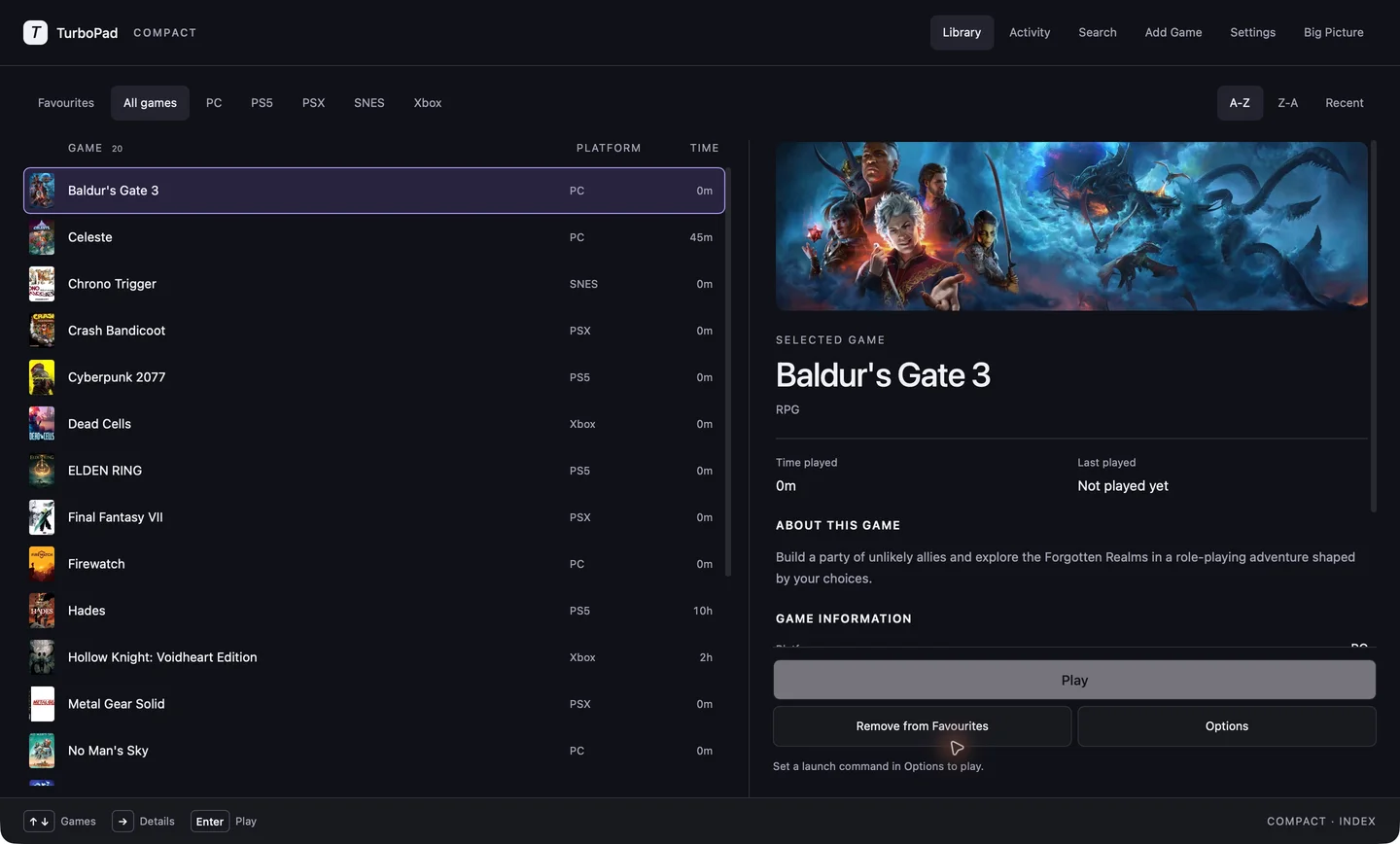
Compact view
Your library and details.
Side by side.
Browse your games with their details right alongside them. Move through your library without losing your place.
Native game launcher
A beautiful game library that feels at home on your Mac.
Fast to browse, easy to organise, and ready for the big screen.
Compact view
Browse your games with their details right alongside them. Move through your library without losing your place.
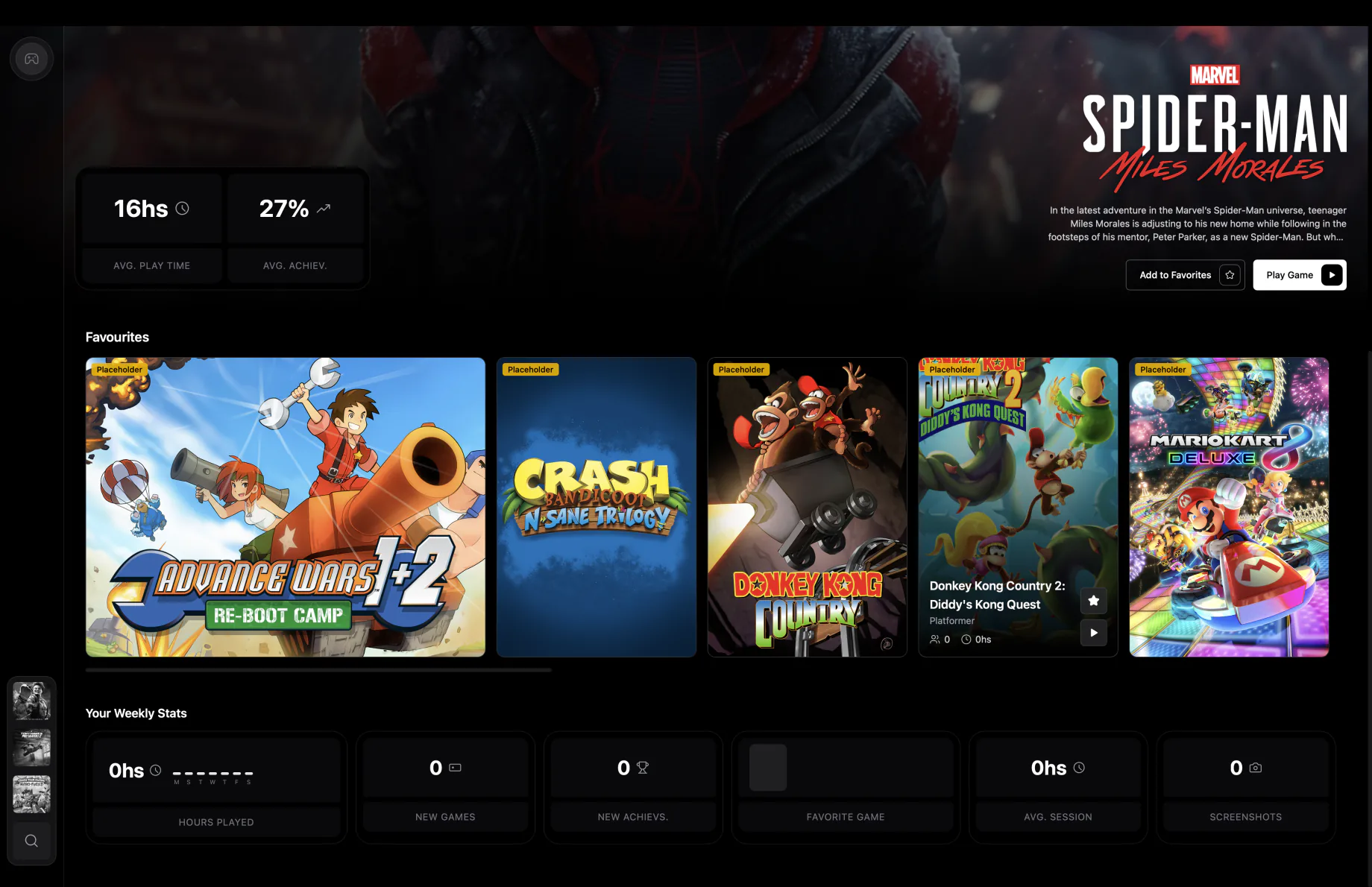
One collection
Old favourites and your next obsession, side by side. Organise your library by platform and make it your own.
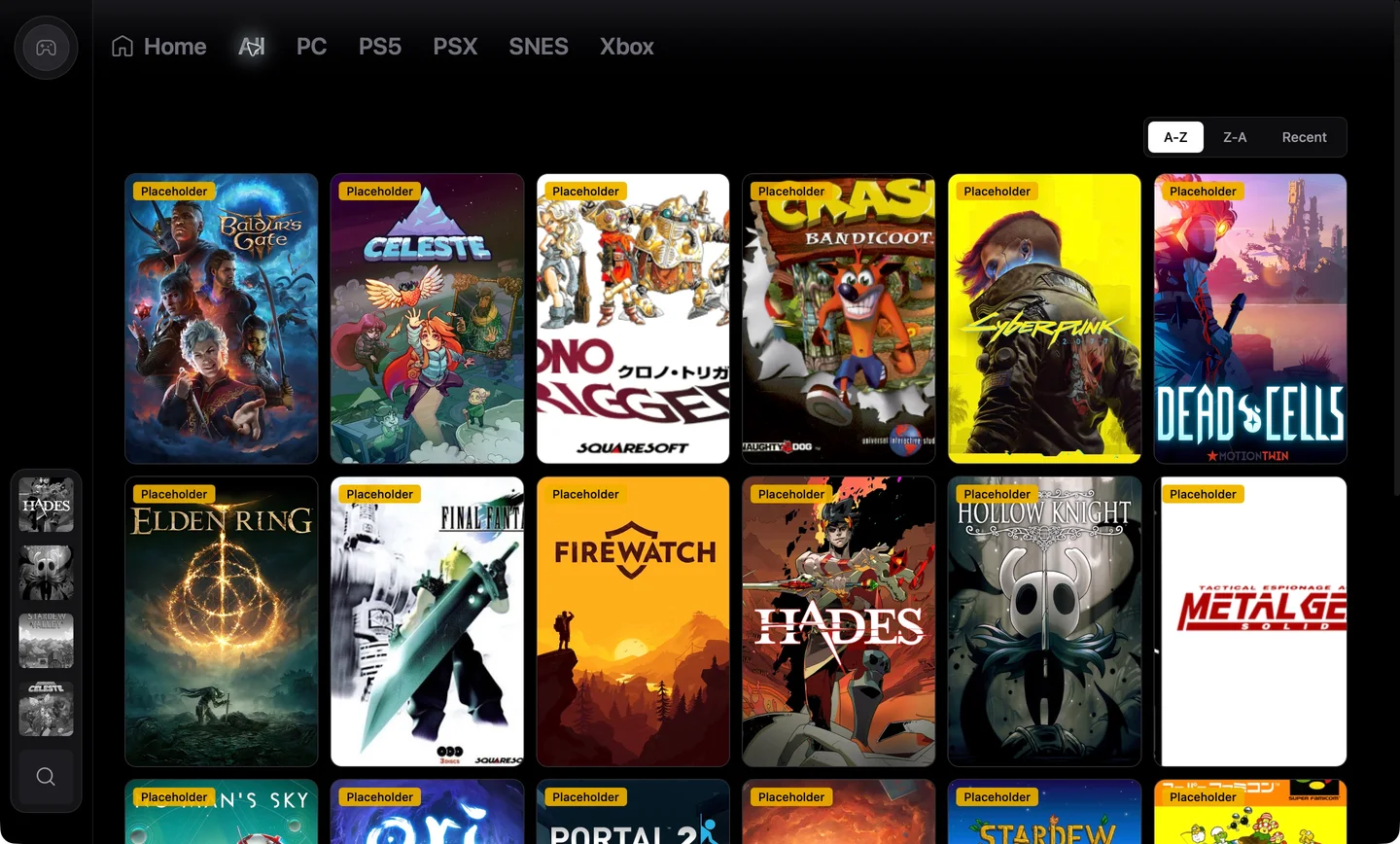
Big Picture
Pick up a controller and settle in. Big Picture gives your library room to breathe on the big screen.
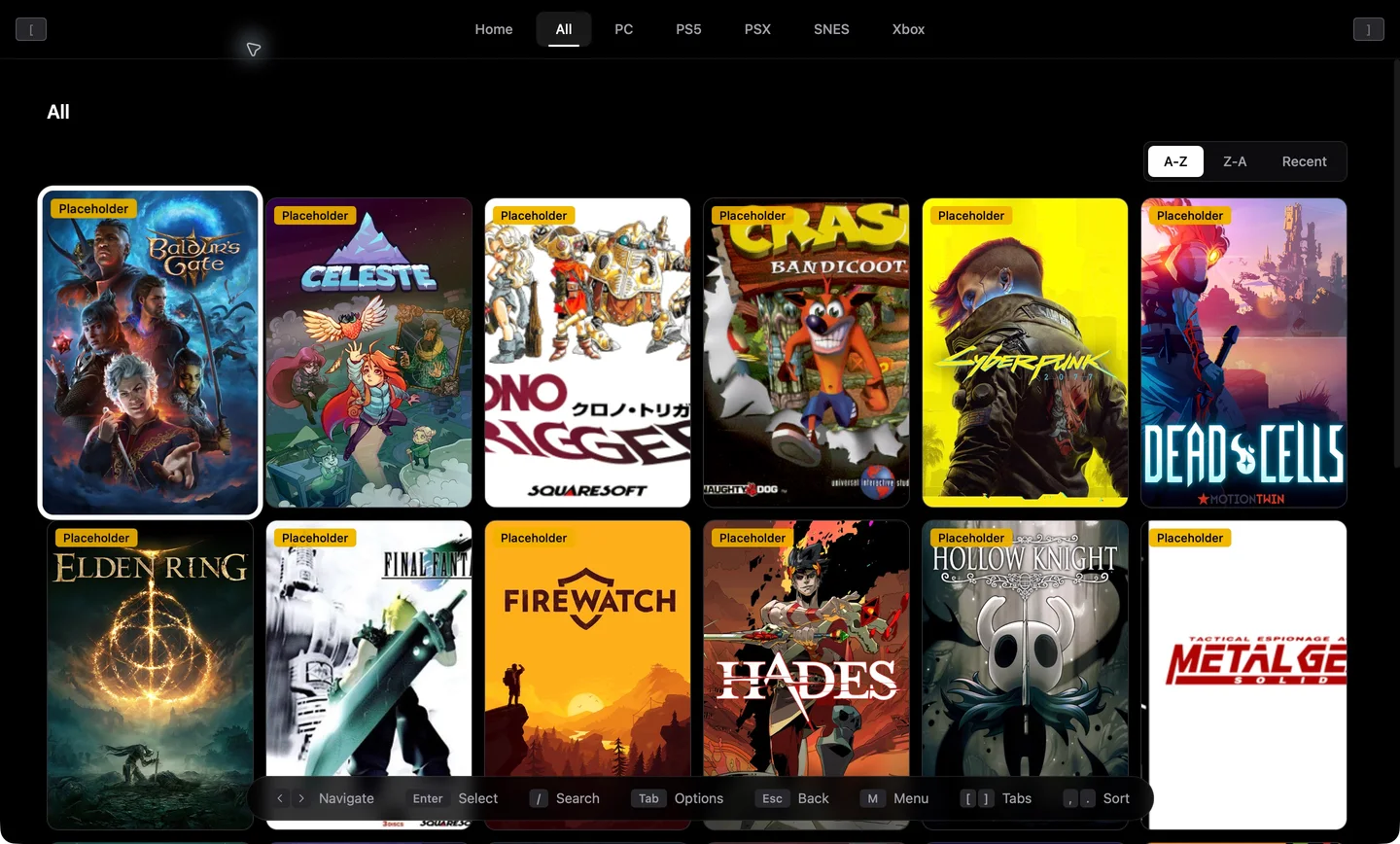
A quick tour
A little more room for your games. Watch Big Picture and explore Remote Play setup.
Browse your collection with room for the artwork and controls close at hand.
Recorded in Cap with a sample library. Remote Play shows setup. No audio.
In the details
Find installed Steam games or scan a folder for apps and executables. Review the results and choose what to add.
Browse, search and organise from the couch, with controller navigation and Xbox or PlayStation button labels.
Start Sunshine from TurboPad and connect using the Moonlight app on another device.
Mac hosting is experimental. Remote gamepad input is not supported yet; use a keyboard and mouse.
Keep games organised in collections, with search and filters to find your next pick. Your library stays on your computer.
In active development
TurboPad is taking shape for macOS, Windows and Linux.
Public downloads are coming soon.